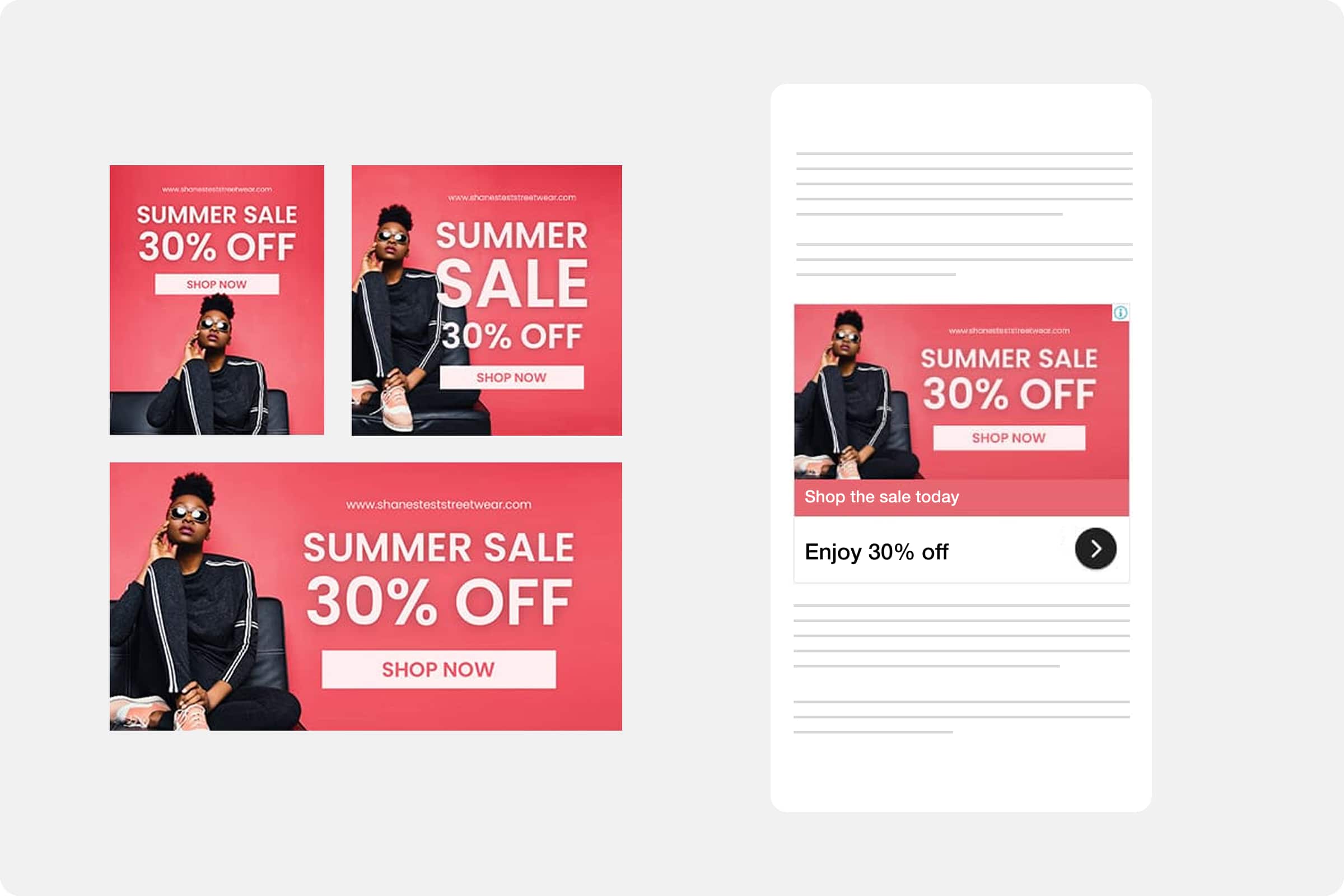
Responsive display ads are a form of asset-based ads. An asset is simply a part of an ad, such as a headline, description, image or logo. To create asset-based ads, you'll provide: headlines, descriptions, images and logos. Google uses machine learning algorithms to arrange these assets in countless combinations across the web, continuously optimising for performance.
File types | |
|---|---|
Formats | GIF, JPG, PNG |
Max. size | 150KB |
Ad Sizes | |
|---|---|
Square and rectangle | |
Small Square | 200 x 200 px |
Vertical rectangle | 240 x 400 px |
Square | 250 × 250 px |
Triple widescreen | 250 × 360 px |
Inline rectangle | 300 × 250 px |
Large rectangle | 336 × 280 px |
Netboard | 580 × 400 px |
Skyscraper | |
Skyscraper | 120 × 600 px |
Wide skyscraper | 160 × 600 px |
Half-page ad | 300 × 600 px |
Portrait | 300 × 1050 px |
Leaderboard | |
Banner | 468 × 60 px |
Leaderboard | 728 × 90 px |
Top banner | 930 × 180 px |
Large leaderboard | 970 × 90 px |
Billboard | 970 × 250 px |
Panorama | 980 × 120 px |
Mobile | |
Mobile banner | 300 × 50 px |
Mobile banner | 320 × 50 px |
Large mobile banner | 320 × 100 px |
Animated Ads (GIF) | |
Animation length and speed |
|
How to supply your content
To ensure your ads are created accurately and efficiently, please provide the following:
Images: Email your image files via Wetransfer to your account manager.
Copy: Download our helpful spreadsheet, complete the required fields for each ad format (headlines, primary text, descriptions, and any additional details), and email the finished file to your account manager.
This process helps us keep everything organised and ensures your ads reflect your brand voice and objectives.