Performance Max is a goal-based campaign type that allows performance advertisers to access all of their Google Ads inventory from a single campaign. It's designed to complement your keyword-based Search campaigns to help you find more converting customers across all of Google's channels like YouTube, Display, Search, Discover, Gmail and Maps.
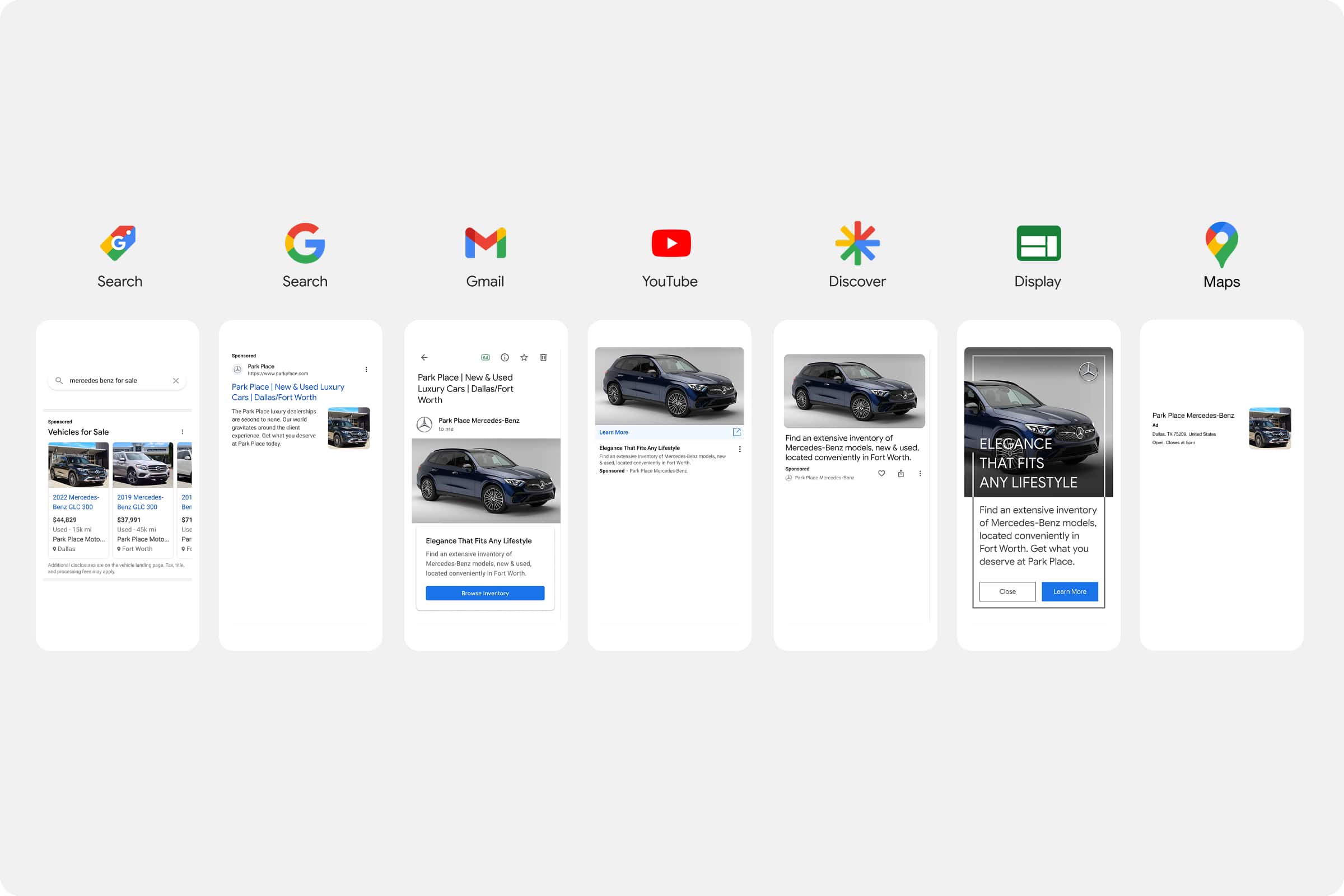
The table below lists the requirements for each asset type that’s supported in Performance Max.
Minimum: Required to publish an asset group that does not have a Google Merchant Center feed attached
Maximum: The maximum number of asset allowed of a specific type
Asset Type | Specification Details | Required |
|---|---|---|
Headlines | Min: 3; Max: 15; ≤ 30 characters each | ✓ |
Long Headlines | Min: 1; Max: 5; ≤ 90 characters each | ✓ |
Descriptions | Min: 2; Max: 5; ≤ 90 characters each | ✓ |
Business Name | Exactly 1; ≤ 25 characters | ✓ |
Call-to-Action | Min: 1 (automated or selectable) | ✓ |
Final URL | Exactly 1; ≤ 2048 characters | ✓ |
Display URL Path | Up to 2 paths; ≤ 15 characters each | ✕ |
Landscape Images (1.91:1) | Min size: 600×314 px; Recommended: 1200×628 px; Max file size: 5 MB; 1–20 images | ✓ |
Square Images (1:1) | Min size: 300×300 px; Recommended: 1200×1200 px; Max file size: 5 MB; 1–20 images | ✓ |
Vertical Images (4:5) | Min size: 480×600 px; Recommended: 960×1200 px; Max file size: 5 MB; 0–20 images (optional) | ✕ |
Square Logo (1:1) | Min size: 128×128 px; Recommended: 1200×1200 px; Max file size: 5 MB; 1–5 logos | ✓ |
Horizontal Logo (4:1) | Min size: 512×128 px; Recommended: 1200×300 px; Max file size: 5 MB; 0–5 logos (optional) | ✕ |
Videos | Formats: 16:9 / 1:1 / 9:16 or 2:3; Min length: 10 sec; Quantity: 1–5 videos | ✕ |
HTML5 Ads | Must include <meta name="productType" content="dynamic"> and <meta name="vertical" content="RETAIL">; responsive parameter; Max file size: 600 KB | ✕ |
Further information can be found on Google.
How to supply your content
To ensure your ads are created accurately and efficiently, please provide the following:
Images: Email your image files via Wetransfer to your account manager.
Copy: Download our helpful spreadsheet, complete the required fields for each ad format (headlines, primary text, descriptions, and any additional details), and email the finished file to your account manager.
This process helps us keep everything organised and ensures your ads reflect your brand voice and objectives.